ロシアンビリヤード3D
ゲーム紹介
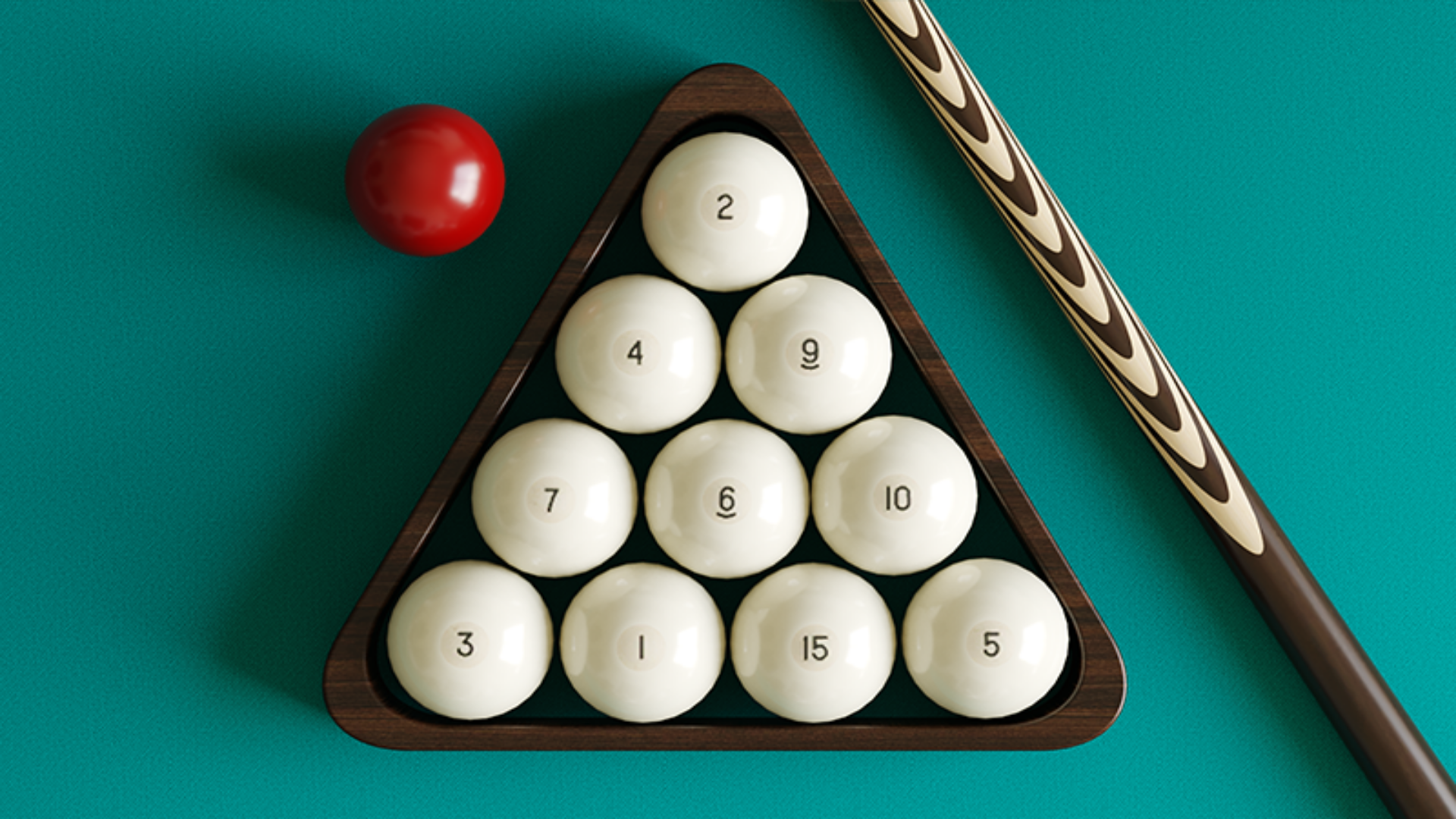
ロシア式ピラミッドを再現した3Dのビリヤードゲーム。コンピューターの相手と対戦でき、その強さは自分の腕前に合わせて細かく設定できます。台の大きさも数種類から選べます。台をクリックしてキューの向きを回し、右側のホイールで狙いを微調整。キューを引いてから離す強さで打つ力が決まります。
操作方法
- For aiming click anywhere on the table and rotate the cue - For precise aiming, turn the precision aim wheel on the right side of the screen, or aim the cue while holding down the Shift button if you play on PC - To hit, click on the cue on the left side of the screen and pull towards the desired force of the blow, then release - For screws, click on the ball icon with a dot in the upper right part of the screen, move the impact point and confirm the installation of the point by clicking on the green button. If you're playing on a PC, you can hold down the X button on your keyboard while aiming to move the point of impact - To change the inclination of the cue, click on the cue ball icon at the top of the screen. In this mode, tap anywhere on the screen and raise the cue to the desired angle, then confirm the change by pressing the green button. If you play on a computer, you can hold down the Z button while aiming, this will also change the tilt of the cue.