겜모아
여럿이체스 대국

3D 체스: 아케인

원제 3D Chess - Arcane Edition · 960×540
눌러서 시작

게임 소개

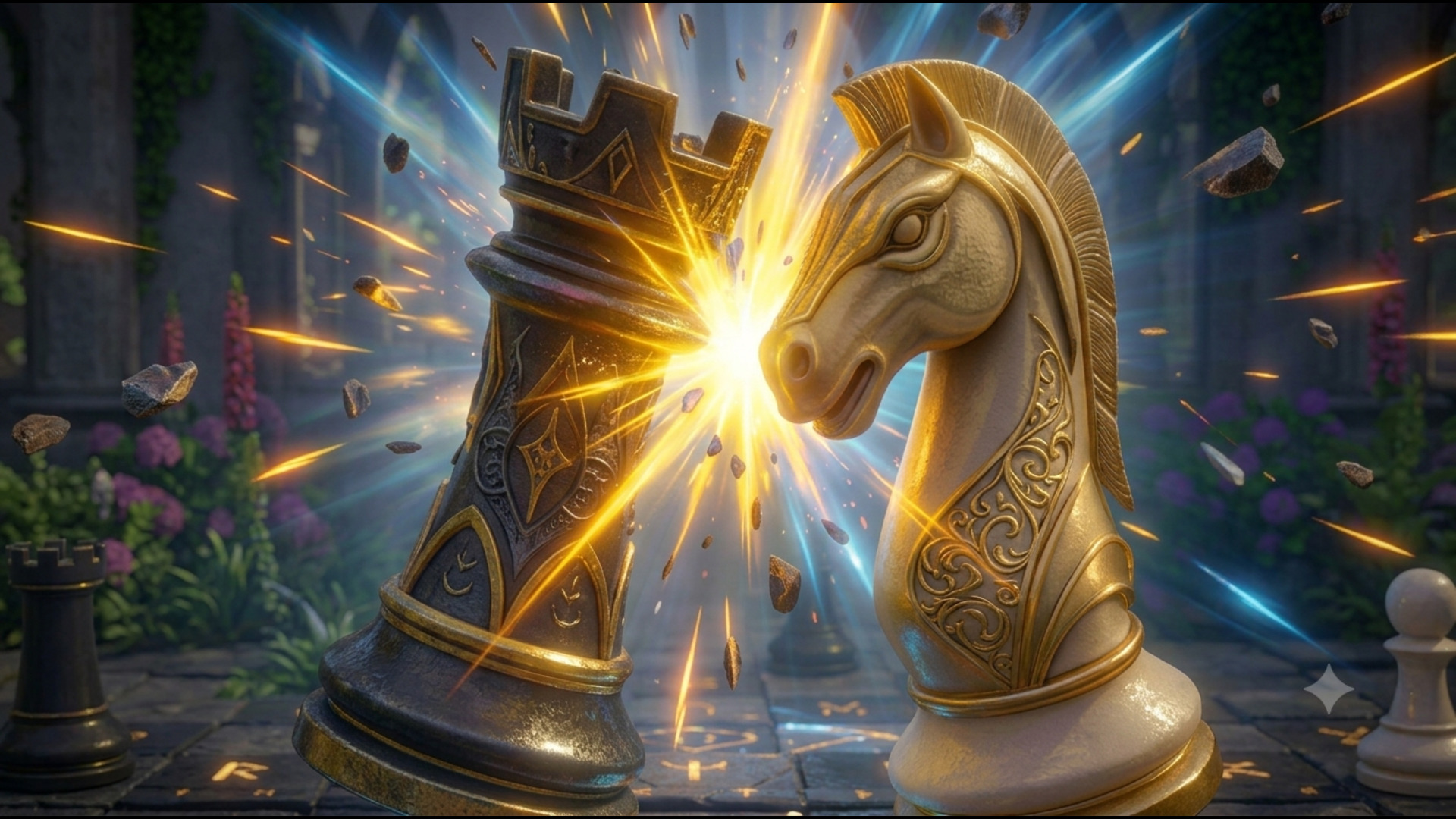
신비로운 정원을 배경으로 두는 입체 체스 게임입니다. 말을 누르면 갈 수 있는 칸이 빛나고, 상대 말을 잡으며 승부를 가립니다.

조작법

Tap a piece to select it, then tap a highlighted square to move. The glowing dots show your legal moves. Capture enemy pieces by moving onto their square. Put the opponent's king in checkmate to win. Controls: Tap/click a piece to select it. Tap/click a highlighted square to move. Drag to rotate the camera around the board. Pinch or scroll to zoom in/out. Use the Hint button (lightbulb) to reveal the best move (3 per game, watch a short ad). Access Settings (gear icon) to change difficulty, toggle move hints, or mute audio. FAQ's: 1: How do I play against a friend in 3D Chess - Arcane Edition? Tap "Play a Friend" on the landing screen to create a private room, then share the room code. The other person can open the link and play as the other colour. 2: Do I need an account to play? No. There's no login and no database — just pick a name, play, and close the tab when you're done. Multiplayer rooms are temporary: once everyone leaves, the game and its history are gone for good. 3: How strong is the computer opponent? 3D Chess - Arcane Chess runs Stockfish, one of the strongest chess engines in the world, directly in your browser. You can set it to Easy, Medium, or Hard from the settings before or during a solo game. 4: Can I get a hint if I'm stuck? Yes — the lightbulb button offers up to 3 hints per game (with a short cooldown between uses), highlighting the engine's recommended move. In solo mode this is a rewarded feature. 5: Does 3D Chess - Arcane Edition work on mobile? Yes. Pieces can be tapped or dragged with touch, the camera automatically adapts the board framing to phone screens, and the game rotates itself into a landscape layout on upright phones so the board isn't cramped in portrait.