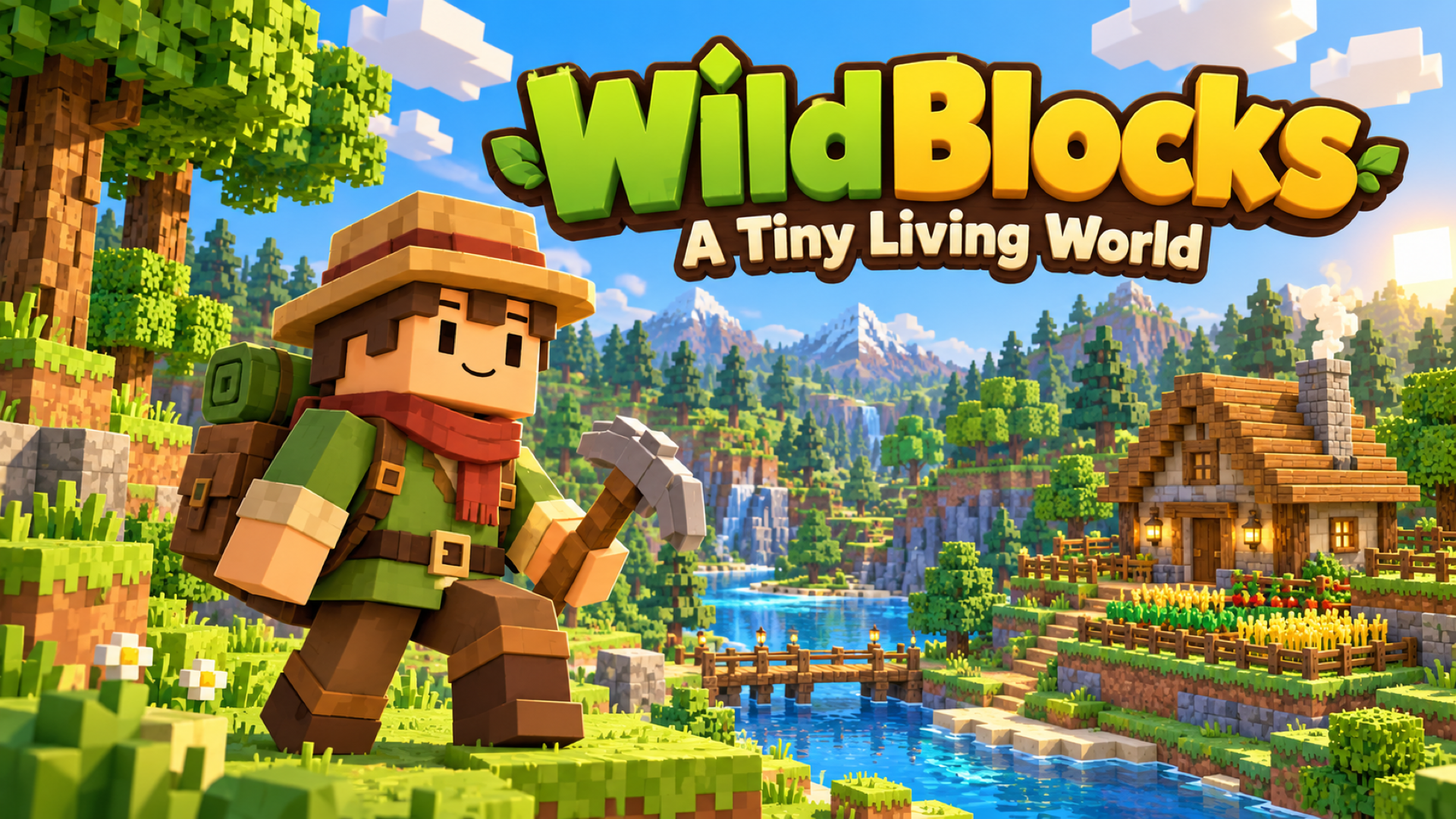
WildBlocks — A Tiny Living World

À propos de ce jeu
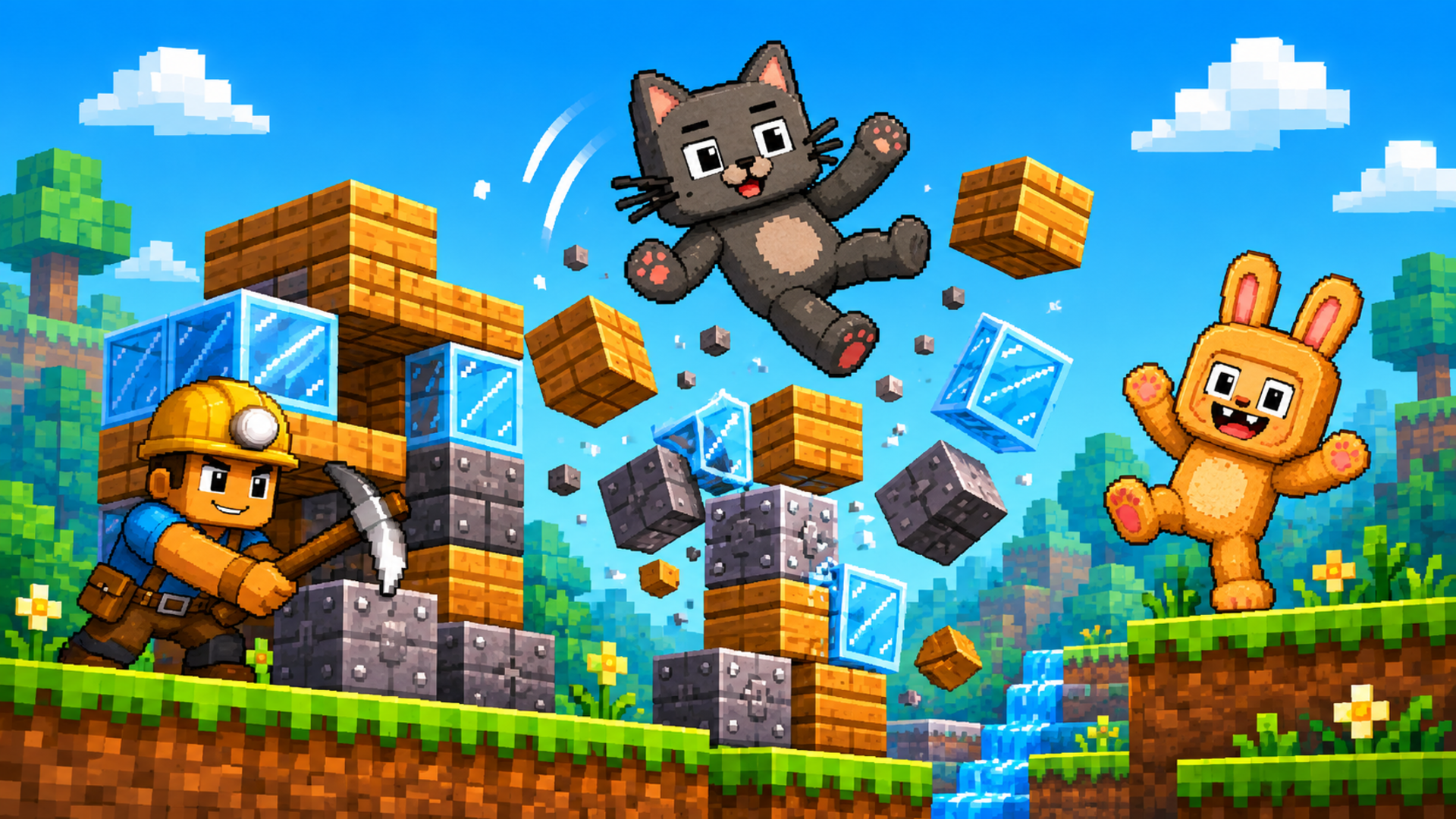
Make a tiny living world your own in WildBlocks, a cozy voxel adventure about exploring, crafting, and building a place to call home. Wander through meadows, forests, rivers, caves, and ancient ruins. Chop trees, collect resources, craft tools, grow crops, cook food, and meet the creatures that share your world. Build a shelter, furnish your home, and improve your Homestead as you discover new places and complete quests. Choose Peaceful difficulty for a gentler adventure, or face the challenges of the wilds. Want to focus on creating? Build Home gives you unlimited building materials and dedicated tools for walls, rooms, roofs, furniture, gardens, and more. Walk through your creations, save blueprints, and keep shaping your dream home. Explore on your own, invite friends to build together, or try multiplayer battles. Save your worlds and return to continue your adventure. Your next discovery is just a few blocks away!
Comment jouer
Choose New World to start an adventure, or Build Home to create with unlimited materials. In Survival, follow the starting quests, gather wood and other resources, then open the Backpack and Recipe Book to craft tools and useful items. Build a shelter, plant crops, prepare food, and explore to improve your Homestead. Aim at objects to use them, and keep your favorite tools in the hotbar. Desktop: Move with WASD and look around with the mouse. Press Space to jump, Shift to sprint, and Ctrl or C to crouch. Hold the left mouse button to chop, mine, or attack. Use the right mouse button to place blocks or use the item you are holding. Press F to interact, E for the Backpack and Recipe Book, J for the Journal, M for the map, and Esc for the pause menu. Select hotbar items with 1–9 or the mouse wheel. Click the game view to capture the mouse when prompted. Phone or tablet: Turn your device to landscape. Move with the left joystick and drag the right side of the screen to look around. Tap the screen to use the selected item, and press and hold to break blocks. Use the onscreen buttons for jumping, placing, interacting, and opening the Backpack. Tap hotbar slots to select items. The in-game How to Play guide explains the touch controls and each mode. Build Home: Open the catalog with B, choose a material or object, and use the building tools to place and shape your home. R rotates, X selects the remove tool, and Ctrl+Z / Ctrl+Y undo and redo. On touch devices, use the tool drawer and onscreen actions. Open How to Play for the complete building guide. Use Save & Quit to Menu when you finish a session. Choose **Continue** or select a saved world to return. Multiplayer requires an internet connection; create or join a room and share its code with friends. Desktop controls reference | Action | Default control | | --- | --- | | Move / look | WASD / mouse | | Jump / sprint / crouch | Space / Shift / Ctrl or C | | Chop, mine, break, or attack | Hold left mouse button | | Place a block or use held item | Right mouse button | | Interact with objects and creatures | F | | Backpack and Recipe Book | E | | Select hotbar item | 1–9 or mouse wheel | | Journal / map | J / M | | First / third-person view | V | | Free cursor / return to mouse-look | Backtick | | Pause menu | Esc | These are the default bindings. Players can change supported bindings in Settings → Controls. Build Home and Deathmatch also have mode-specific controls in the in-game guide.