
9 Puzzle and Swipe Games — Compare Taps and Drag Controls
2026. 08. 16 · puzzles · matching · drag · swipe
Choosing a phone game involves more than screen orientation. Selecting an item with a tap feels different from dragging it to another position. This list compares nine games using registered descriptions and instructions. It does not guarantee that every control is reachable with one hand or comfortable to use in transit.
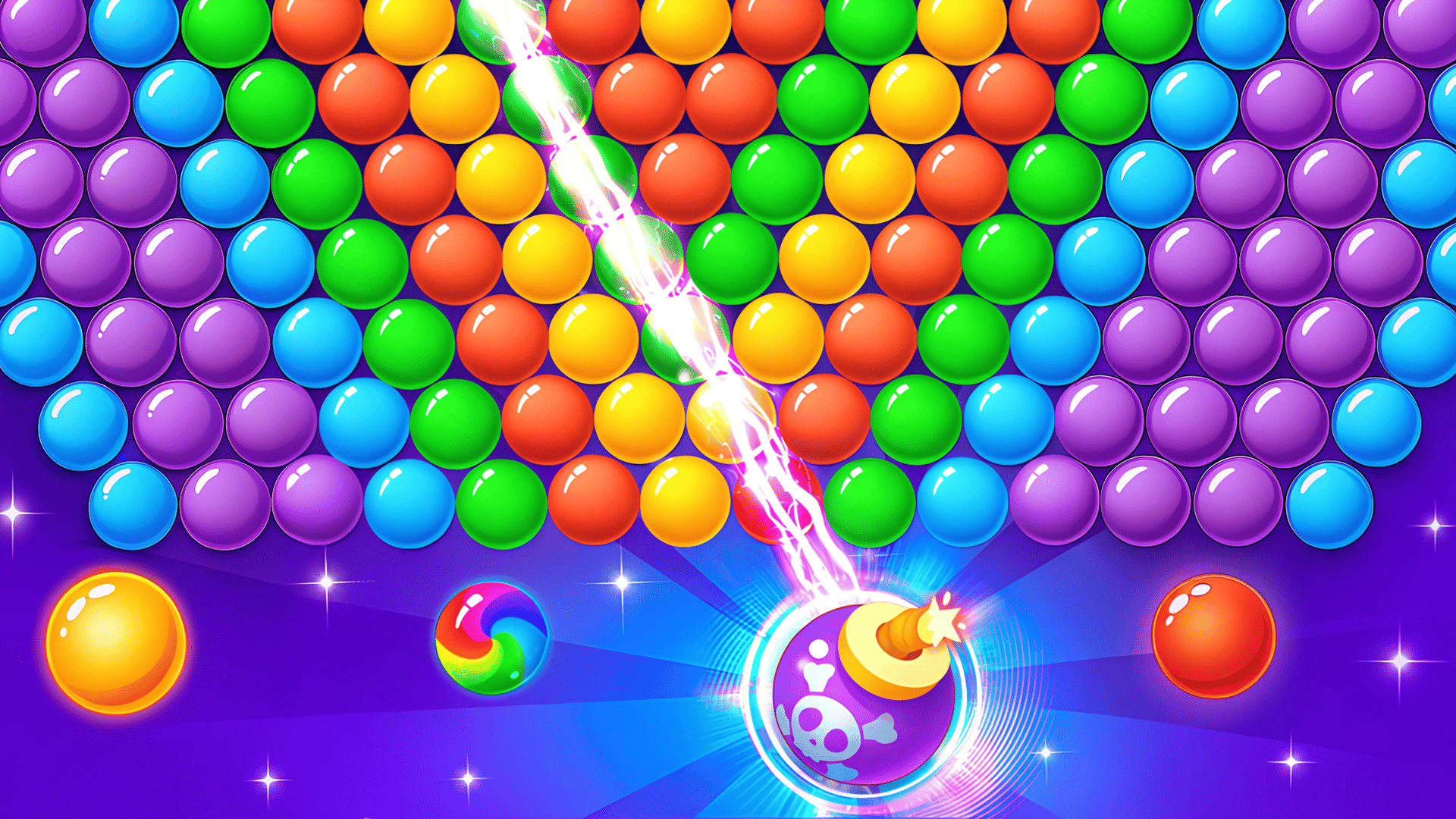
Bubbles, colors and item sorting
Sorting games can use taps or dragging. Compare gathering colors with placing identical objects next to each other on a shelf.
- Bubble Shooter: Tap & Pop — Shoot and connect bubbles to progress through levels. Upgrades and bonuses are described. Check the game for exact touch targets and button placement.
- Nuts Puzzle: Sort By Color — Tap a nut, then select a bolt to receive it. The destination must be empty or have the same color on top, so keeping space available is part of the puzzle.
- Good Sort Master: Triple Match — Drag objects to place three identical items on the same shelf. Clear all shelf items to finish. The earlier claim that this requires only taps was incorrect.

Tiles and arrow routes
Match counts and connection rules matter: three tiles, two connected tiles and a sequence of departing arrows are different tasks.
- Tile Master Match — Match three blocks of the same element and clear all tiles to pass. This differs from two-tile mahjong pairs. Tapping is listed; fitting the entire board on one screen is not guaranteed.
- Mahjong Lines — Select two identical tiles that can be connected through empty cells by at most three straight segments, or two turns. Matching pictures alone are not enough if the route is blocked.
- Arrow Exit Puzzle — Click arrows to move them in their indicated direction. A blocked arrow costs one health point; losing all three loses the game. Look for a clear exit before selecting.

Moving balls and coloring numbers
These games involve a ball’s movement or completing a picture. A swipe shot still needs direction; coloring involves choosing a color and the corresponding areas.
- Swipy Basketball — Swipe balls toward the hoop for points. Collecting stars to unlock skins is also described. The previous claim that precise direction does not matter has been removed.
- Helix Blitz — Move the ball downward through a helix arcade setting. Avoiding the helixes and entering Blitz mode are described. Automatic progression without menus has not been verified.
- Numicolor — Choose a palette color and tap highlighted areas with its number. A hint can help locate an uncolored detail. No universal absence of timers is claimed.
Compare nuts, tiles and arrows for tap selection, or Good Sort Master for dragging items. For ball movement, compare Swipy Basketball with Helix Blitz. All nine are registered as portrait, but device-specific layouts, one-handed comfort, saving and resuming have not been tested. Read the in-game guidance when controls or keeping progress matter.
If you want more in the same vein, Best Games and Browse by keyword